Badges

The Elyndra

Four-step quest for a skin and a tape.

The Elyndra in (πŸ”₯) Dummy Defense

The Elyndra: Four-step quest for a skin and a tape. Get it by Four ordered quest steps. Trigger reported after an Undead clear, not fully documented. Use it to Cosmetic and lore. Sphere Dummy no longer uses this badge as its shop gate.

What is The Elyndra?

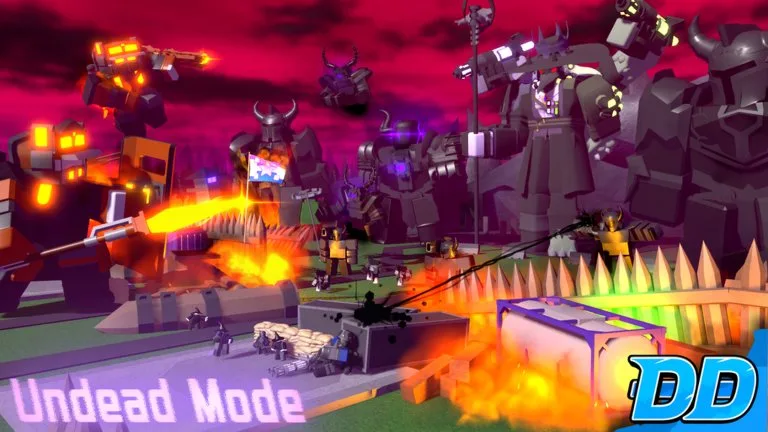
Complete four steps in order. Reward is the Void MKI Titan Dummy skin, a tag, and a tape. Step locations are not published. A September 26, 2026 update-video creator said the quest appears after you beat Undead Mode. A reply claimed five clears.

Published facts

The Elyndra facts
FactValue
UnlocksVoid MKI skin, tag, tape

How do you get The Elyndra?

Four ordered quest steps. Trigger reported after an Undead clear, not fully documented.

How do you use The Elyndra?

Cosmetic and lore. Sphere Dummy no longer uses this badge as its shop gate.

FAQ

The Elyndra questions

How do I get 1.5x game speed?

Win Controller Mode. The same clear lets you buy Titan ScaleDummy. A 2x option is described for gamepass holders. On a tablet, the speed control is in the bottom-left after that clear.

How do I unlock Autoskip?

Beat Team Guest once. The toggle shows up at the bottom-left of the screen. It is not a Bricks purchase.

How do abilities unlock?

Beat Noob Battalion once. Then buy Airstrike (10,000 Bricks), Napalm Airstrike (12,500 Bricks), or Wall (6,000 Bricks) and cast them with Gold during a match. Airstrike is the published benchmark: 50 Gold and a 50-second cooldown.

How do I enter Noob Experiment?

Matchmaking does not work for it. In map selection, scroll to crossroads, the map with an EVENT label, select it, then click the normal mode button at the top of the mode menu twice.

What beats hidden enemies?

Sniper Dummy gains hidden detection at level 3. Flamethrower Dummy also detects hidden enemies; its burn reveals them to friendly towers, and at level 5 its fire ignores fire immunity, which is the published answer to Lava Noobs.

What are the console buttons?

The Roblox page lists R2 to place or select, R1 to upgrade, L2 to sell or remove, and L1 to change target.